
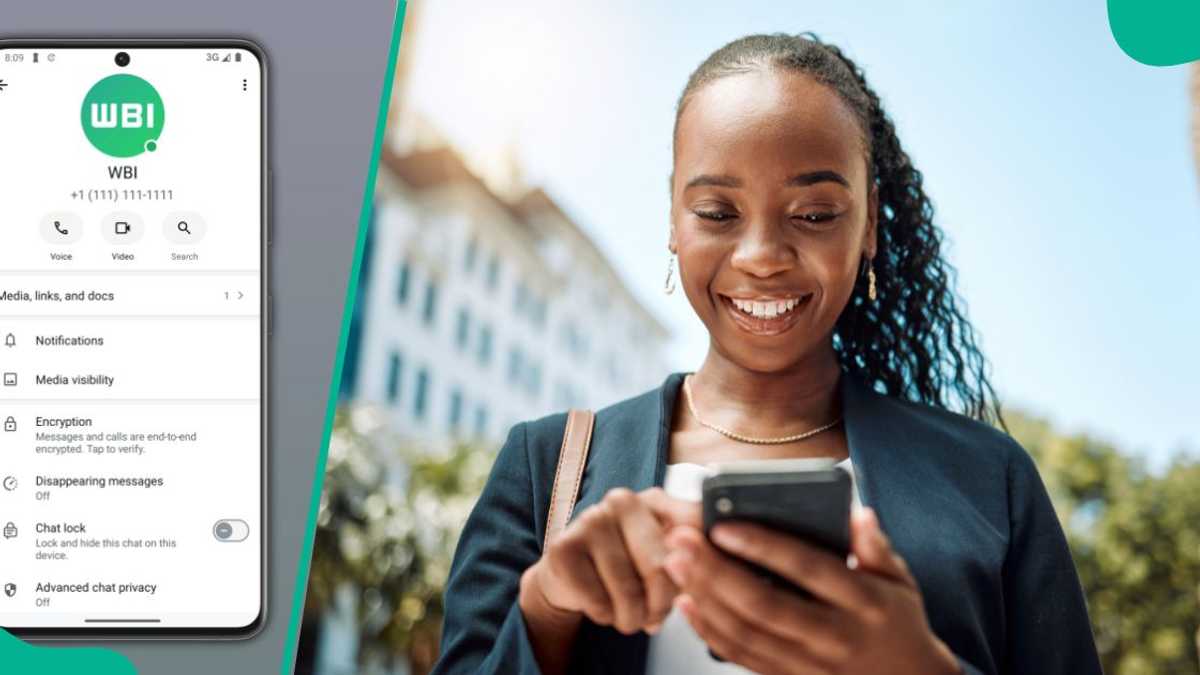

- WhatsApp introduces email linking for easier account recovery and enhanced security
- Users can add their email during registration or in settings for added protection
- Verification issues may arise; check connections and DNS settings for solutions
Pascal Oparada is a journalist with Legit.ng, covering technology, energy, stocks, investment, and the economy for over a decade.
WhatsApp users can now add an email address to their accounts, giving them another way to regain access if they lose access to their phone number or cannot receive the six-digit verification code by SMS or phone call.
The feature adds an extra layer of account recovery and security, particularly for users who may temporarily lose access to their mobile numbers.

Credit: Novatis
Source: UGC
Why you should add your email address
Linking an email address to a WhatsApp account can make account recovery easier when standard phone-based verification is unavailable.
If a user needs to re-register their phone number but cannot receive an SMS or phone call, WhatsApp can send recovery instructions to the verified email address.

The email can also provide another channel through which WhatsApp may contact users about potential security issues involving their accounts.
However, adding an email address does not replace the phone number requirement for creating a WhatsApp account. Instead, it provides an additional recovery option.
How to add an email address to WhatsApp
Users can link their email address to WhatsApp in just a few steps.
To get started:
- Open WhatsApp and tap Settings.
- Select Account, then tap Email Address.
- Enter the email address you want to link to your account.
- WhatsApp will send a verification code to the email address.
- Enter the code to complete the verification process.
Users can also add an email address during the initial registration process when WhatsApp prompts them to set up their account.
What to do if verification fails
Some users may encounter problems while attempting to add or verify an email address.
WhatsApp recommends checking the internet connection first. If the problem continues, users can switch between Wi-Fi and mobile data to determine whether the network is causing the issue.

If changing networks does not resolve the problem, DNS settings could be responsible. Certain third-party DNS configurations may interfere with WhatsApp services.
Users experiencing persistent problems can try switching back to their mobile carrier’s default DNS settings. Alternatively, they may use reputable public DNS services such as Google’s 8.8.8.8 or Cloudflare’s 1.1.1.1.
An extra layer of account protection

Credit: Novatis
Source: Getty Images
Adding an email address is a simple precaution that could prove valuable when access to a phone number becomes difficult.
For WhatsApp users, keeping their recovery information updated can provide an important backup route and reduce the risk of being locked out of their accounts when phone-based verification is unavailable.
WhatsApp rolls out username feature
Legit.ng earlier reported that WhatsApp’s newly introduced username key, a feature designed to bolster user privacy by requiring a special key for first-time contacts to initiate conversations.
This innovative tool aims to protect users from unsolicited messages while ensuring that existing contacts remain unaffected, making communication seamless.
Imagine receiving unwanted messages from strangers becoming a thing of the past—this new username key could be the game-changer users have been waiting for. With privacy concerns on the rise, WhatsApp’s latest feature addresses these issues head-on, enhancing the overall user experience on the platform.
Source: Legit.ng